Adobe Photoshop Course | Beginner to Expert Photo Editing
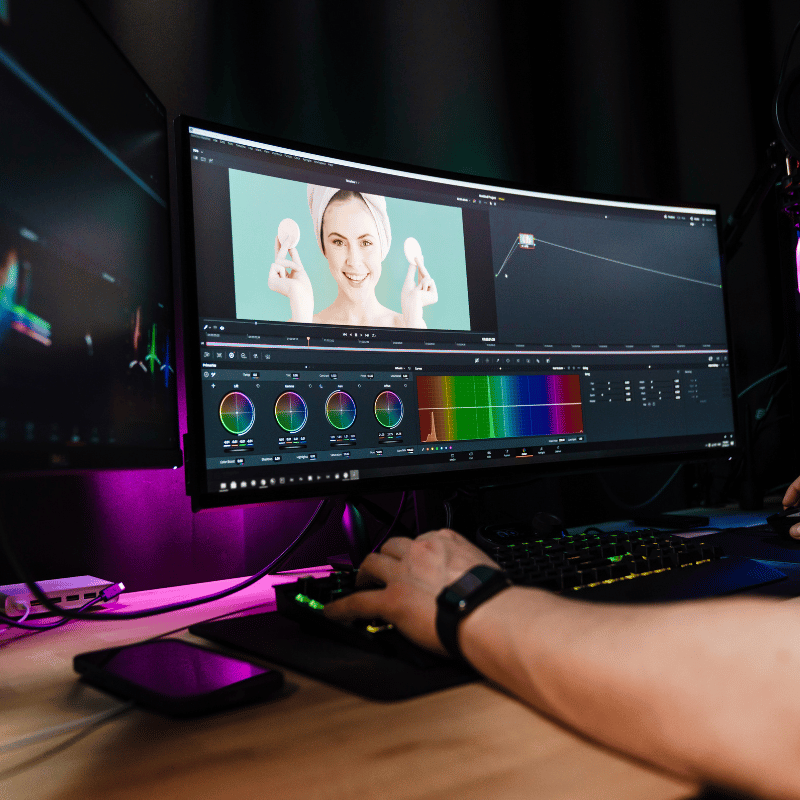
// SYLLABUS_OVERVIEW
Unleash your creative potential and master the world's most powerful image editing software.
Adobe Photoshop is an essential tool for photographers, designers, and digital artists. This comprehensive course is your complete guide to mastering it. From basic editing tools to advanced retouching and compositing, our expert instructor will guide you step-by-step through the software's incredible capabilities. Learn to transform your images and bring your creative ideas to life.
What You'll Learn at Each Level:
- Basic: Understand the Photoshop interface, learn basic editing tools (Move, Marquee, Lasso), use adjustment layers for non-destructive editing, master retouching, and create basic composites.
- Advanced: Master advanced selection techniques (Pen Tool, Refine Edge), develop skills in portrait retouching and enhancement, and improve image sharpening and noise reduction.
- Expert: Conduct advanced color grading and management, develop skills in advanced photo restoration, understand AI-powered editing tools like Adobe Sensei, and improve images using Neural Filters.
Why Choose This Course?
- Live, one-on-one instruction to master tools at your own pace.
- Hands-on projects to practice and perfect your skills.
- Learn a professional workflow for editing and manipulation.
Who is this for?
Photographers, graphic designers, digital artists, social media managers, and anyone who wants to master professional image editing.
Transform your images like a pro. Enroll in our Photoshop course today!
// SKILLS_COVERED
// TOOLS_DEMOED_AND_USED
// CERTIFICATION_TIMELINE
Basic Tier
- Core fundamentals
- Access to online forum
- Basic certification exam
- 12 weeks timeline
Advanced Tier
- Everything in Basic
- Intermediate lab guides
- 1-on-1 mentor guidance
- Advanced security certificate
Expert Tier
- Everything in Advanced
- Full threat simulation sandbox
- Direct console access
- Elite operator credential
- Dedicated slack support
// CORE_CURRICULUM
OPERATOR_CREDENTIAL
Earn the Certified Photoshop Associate (CPA) credential by submitting a professional digital design portfolio and passing our online graphic layout assessment.
PREREQUISITES
No prior design experience is required. Access to a laptop meeting the minimum hardware specifications to run Adobe Photoshop CC is mandatory.
CORE_BENEFITS
- Master professional skin retouching, color grading, and blemish correction.
- Create complex photo manipulations and advertisements with smart objects and masks.
- Develop high-quality corporate branding banners and digital visual assets.
CAREER_PATHS
- Professional Photo Retoucher
- Graphic Designer
- Digital Creative Artist
- Visual Branding Specialist