WhatsApp APK Scam Alert: Fake “Security Update” Messages Infecting Phones in Punjab
Emergency Alert Issued in Punjab
On January 8, 2026, the Punjab Cyber Cell released an urgent public advisory warning citizens about a dangerous WhatsApp scam spreading rapidly across the state.
The alert stated:
“Fraudsters are circulating WhatsApp messages containing APK files disguised as ‘WhatsApp Security Update’, ‘Missed Video Call’, or ‘New Year Greeting’. Do not install these files.”
Within 48 hours, more than 217 cases were reported from Ludhiana, Amritsar, and Mandi Gobindgarh.
Most victims were senior citizens, shop owners, and students.
How the WhatsApp APK Scam Works
The scam follows a predictable but highly effective pattern:
You receive a WhatsApp message from a saved contact whose account has already been compromised.
The message may say:
“You missed my video call. Install this to view.”
“WhatsApp Security Update Required. Tap to install.”
“E-Challan 2025.apk” with a message Mera name apke name ke sath aya hai.
The link downloads an APK file, which is an Android application installer.
Once installed, the fake app secretly gains control of your phone.
What the Fake App Does After Installation
After installation, the malicious APK typically:
Requests Accessibility permissions
Reads all WhatsApp messages and contacts
Logs keystrokes, including UPI PIN entries
Sends money to hidden merchant or mule accounts
Spreads itself automatically to your contacts
Critical Fact:
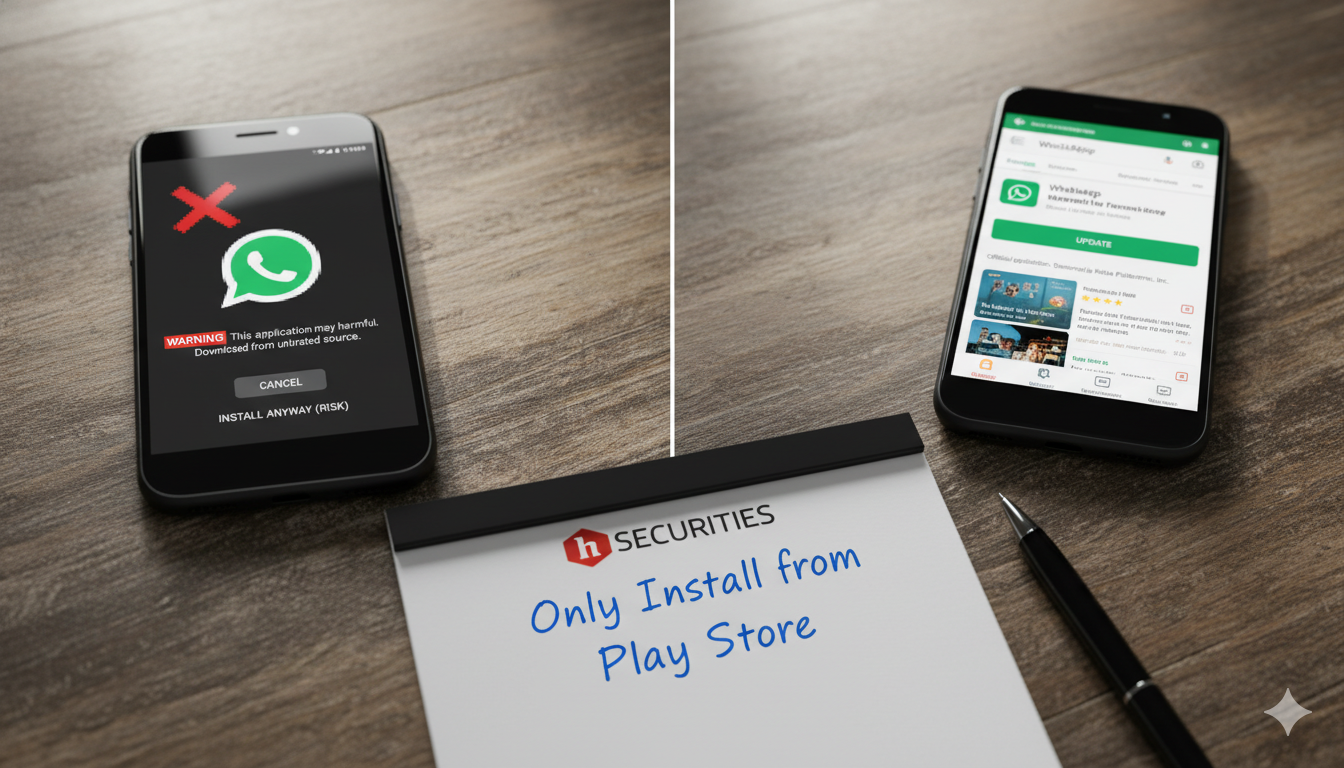
WhatsApp never distributes updates through APK files or chat messages.
All legitimate WhatsApp updates are available only via the Google Play Store.
How to Protect Yourself from APK Scams
Step 1: Never Install APK Files from WhatsApp
Do not install any app sent via WhatsApp, even if the sender is a family member or friend.
If it is a real update, it will appear directly in the Play Store.
Step 2: Disable “Install Unknown Apps”
Go to:
Settings → Security → Install Unknown Apps
Ensure this option is turned off for:
WhatsApp
Telegram
Chrome
Any browser or file manager
Step 3: Review App Permissions Regularly
If you suspect accidental installation:
Go to:
Settings → Apps → Suspicious App → Permissions
Immediately revoke:
Accessibility
SMS
Storage
Then uninstall the app.
Warning Signs Your Phone May Be Infected
Unauthorized UPI transactions
WhatsApp logging out automatically
Rapid battery drain
Unknown apps named “System Update”, “Call Recorder Pro”, or similar
What to Do If Your Phone Is Infected
Disconnect mobile data and Wi-Fi immediately
Call your bank and block UPI access
Back up photos and contacts to a computer (not cloud storage)
Perform a factory reset
Report the incident at cybercrime.gov.in
Free Cybersecurity Help at hSECURITIES
As part of our community cybersecurity awareness initiative, hSECURITIES provides:
Free malware scanning for smartphones
Safe device cleanup for enrolled students
Weekly awareness workshop titled “How to Spot Fake Apps”
Workshop Schedule:
Every Saturday and Sunday, 11:00 AM to 1:00 PM
Real Case from Our Center
“Mere papa ne APK install kar diya tha. Sir ne phone clean kiya aur UPI secure kiya.”
— Harman K., Student, Gobindgarh Public College
Stay Safe. Get Help.
Call or WhatsApp: +91 86996 53049
Visit: hSECURITIES, Adarsh Nagar, Opposite Verma Ornaments, Near Kochhar PG, Mandi Gobindgarh, Punjab
We do not just teach technology.
We protect families from digital threats.
Team hSECURITIES