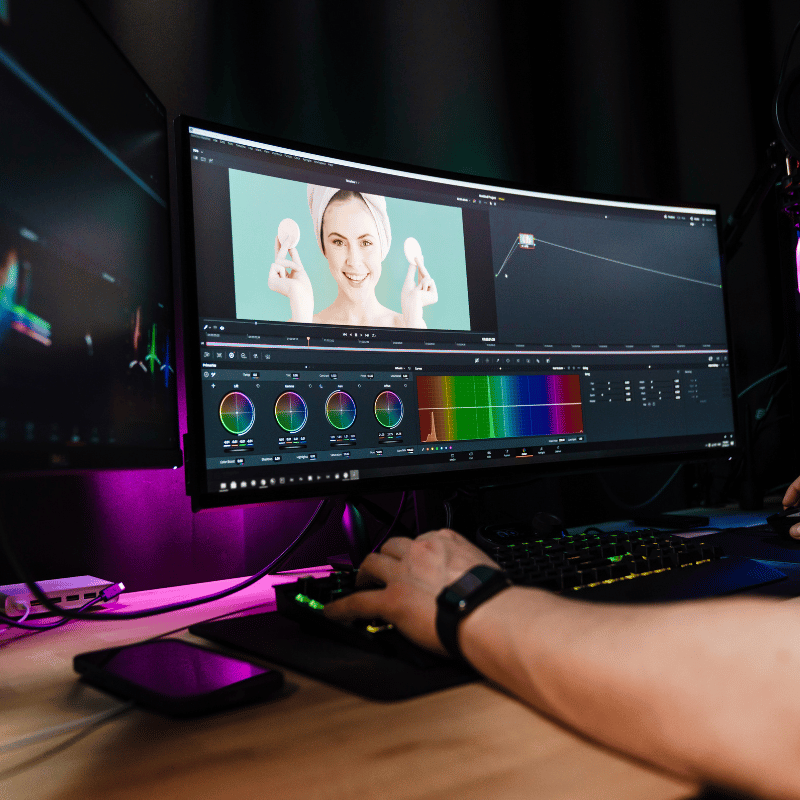
Adobe Premiere Pro Course | Professional Video Editing Training
// SYLLABUS_OVERVIEW
Master the industry-standard software for video editing and bring your creative vision to life.
From YouTube videos to corporate marketing and short films, Adobe Premiere Pro is the tool of choice for professional video editors. This course provides comprehensive, hands-on training to take you from the basics of the timeline to advanced editing techniques. A professional editor will guide you through color correction, audio mixing, and special effects, giving you the skills to produce high-quality, polished videos.
What You'll Learn at Each Level:
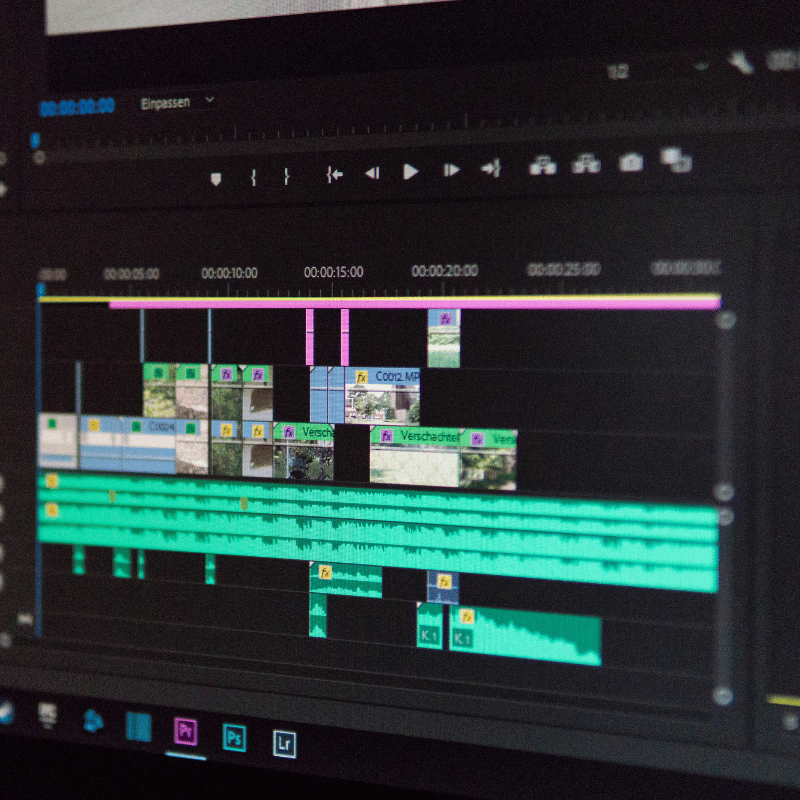
- Basic: Learn the Premiere Pro interface by importing media, creating a new project, understanding the timeline, editing video clips, and adding audio tracks.
- Advanced: Master professional techniques like color grading and correction, advanced audio editing and mixing, keyframe animation, and using LUTs (Look-Up Tables) and color spaces.
- Expert: Dive into advanced effects and transitions, understand the science of color, master sound design and music composition, and learn advanced collaboration and review workflows.
Why Choose This Course?
- Live, one-on-one training with a professional video editor.
- Learn a professional workflow from start to finish.
- Hands-on projects to practice your skills and build confidence.
Who is this for?
Aspiring video editors, content creators, marketers, filmmakers, and anyone who wants to learn how to create professional-quality videos.
Start editing like a pro. Enroll in our Premiere Pro course today!
// SKILLS_COVERED
// TOOLS_DEMOED_AND_USED
// CERTIFICATION_TIMELINE
Basic Tier
- Core fundamentals
- Access to online forum
- Basic certification exam
- 12 weeks timeline
Advanced Tier
- Everything in Basic
- Intermediate lab guides
- 1-on-1 mentor guidance
- Advanced security certificate
Expert Tier
- Everything in Advanced
- Full threat simulation sandbox
- Direct console access
- Elite operator credential
- Dedicated slack support
// CORE_CURRICULUM
OPERATOR_CREDENTIAL
Earn the Certified Premiere Video Editor (CPVE) credential by editing and submitting a final cinematic 2-minute video project matching technical parameters.
PREREQUISITES
Access to a laptop capable of running Adobe Premiere Pro (minimum 8GB RAM, dedicated GPU recommended).
CORE_BENEFITS
- Edit complex video timelines cleanly with keyboard shortcut strategies.
- Apply cinematic color filters and LUTs using Lumetri Color tools.
- Synthesize audio tracks, clean up noise, and add motion transitions.
CAREER_PATHS
- Digital Video Editor
- Social Media Video Editor
- Corporate Videographer
- YouTube Content Editor